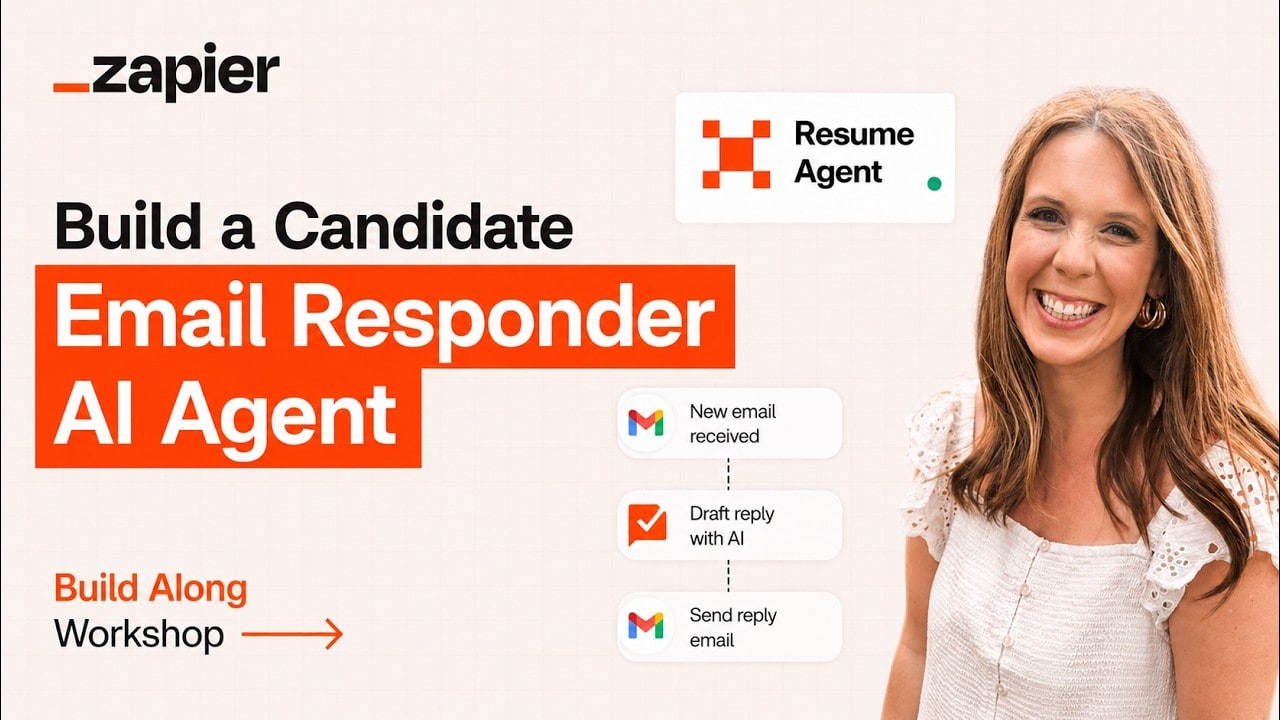
Build a Candidate Email Responder AI Agent for Talent Acquisition | Build Along Workshop
Zapier16 June 2026Watch on YouTube
Part of series
Ep. 3 · Along Build Workshop
View the seriesWhat you'll learn
- Learn how to build an AI agent that analyzes emails in your inbox and identifies patterns in frequently asked questions.
- Discover how to use this AI agent to automatically draft response templates for common recruitment inquiries.
- See practical steps for integrating AI into your talent acquisition workflow through Zapier.
Frequently asked questions
What exactly does the AI agent do in this tutorial?
Which tool is used to build this AI agent?
How can this automation tool speed up your recruitment process?
Is there a free version of Zapier to get started with?
Topics
Read next
Zapier promoot AI-agents voor sales- en CRM-automatisering
Zapier toont in een tutorial hoe zijn no-code platform AI-agents kan inzetten voor sales- en CRM-automatiseringstaken.
Talenture.ai wil het werk tussen vacature en eerste interview automatiseren
Het Amsterdamse Talenture.ai biedt AI-recruitingsoftware die bovenop een bestaand ATS werkt en taken als kandidaatbeoordeling, salarischeck en agendaplanning overneemt. Oprichter Bram van Gestel zoekt momenteel design partners; drie bedrijven gebruikten het systeem al voor echte vacatures.
MrWork lanceert AI Hub waarmee organisaties eigen recruitment-AI kunnen bouwen
Het Rotterdamse MrWork heeft in januari 2026 de AI Hub gelanceerd, een platform waarmee organisaties zelf AI-gestuurde recruitment-collega's kunnen bouwen en trainen. Het doel is administratieve taken in het wervingsproces te automatiseren en de kandidaatervaring te verbeteren.
Match-AI bouwt AI-collega's die meewerken in de systemen van het mkb
Match-AI uit Bunschoten-Spakenburg ontwikkelt AI-agents die meedraaien in de bestaande mail, CRM en boekhouding van mkb-bedrijven. Het bedrijf combineert de software met persoonlijke begeleiding en start bij elke klant met één concreet proces.
OpenAI bouwt AI-agenten voor massa
OpenAI werkt aan uitbreiding van AI-agenten buiten softwareengineers naar breder publiek.
TeamerTime wil het matchen van consultants aan opdrachten uit handen nemen
Het Utrechtse FLIX Solutions bouwt TeamerTime, een AI-platform dat consultancy- en detacheringsbureaus automatisch de juiste mensen aan open opdrachten koppelt op basis van skills, ervaring en beschikbaarheid.
Description from the channel
Get started with Zapier for free at: https://zpr.io/XUiAHTJw2csj Build an AI Agent that looks at your email inbox and helps draft answers to common questions you receive. Subscribe to the Zapier YouTube channel so you don't miss other important tutorials and integrations: https://www.youtube.com/Zapier?sub_confirmation=1 Need customer support? https://zapier.com/app/get-help